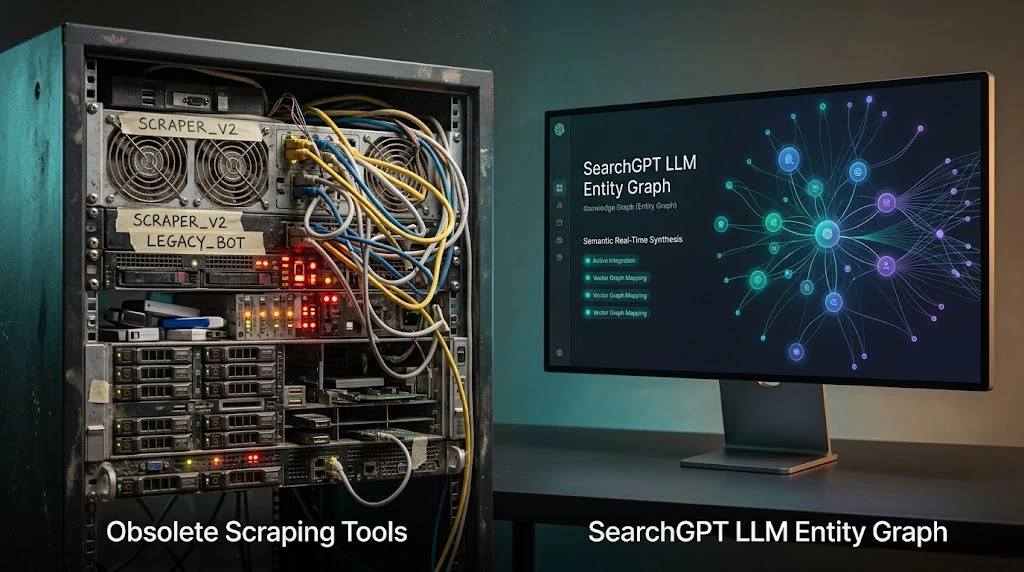
The Broken Visual Workflow
For years, social media marketers have suffered from a fragmented workflow. You write your copy in a Google Doc or ChatGPT, open Canva or Midjourney to create the accompanying graphic, download the file, and then upload both into a scheduling tool.
This "tool-switching tax" drains hours of productivity every week. Furthermore, maintaining brand consistency across AI image generators like Midjourney requires complex, paragraph-long prompt engineering for every single image.
The Seamless Chat-to-Image Pipeline
The High Story MCP integration completely eliminates this friction by bringing image generation directly into the Claude chat interface.
Claude itself is a text model; it doesn't generate images natively. However, when you give Claude a command, it securely triggers High Story's "Marketing-First" image engine. Because High Story is built specifically for social media, it automatically knows the correct aspect ratios (e.g., 1:1 for Instagram, 16:9 for Twitter) and strictly adheres to the brand colors and typography settings you've defined in your dashboard.
How to Generate and Refine Images in Claude
Generating an image is as simple as asking for it alongside your copy.
"Write a LinkedIn post about our new AI features, and generate a matching image featuring a sleek laptop interface with glowing neon accents."
The true power of this workflow lies in regeneration. If the initial image isn't perfect, you simply converse with Claude to fix it. "The image is good, but remove the text overlay and make the background lighter." Claude communicates this to High Story, and the updated visual appears in your chat, ready to be published.
Can Claude generate images for social media?
Claude itself is a text model and does not generate images natively. With High Story MCP, Claude triggers High Story's image generation engine — so from inside a Claude conversation, you can create, customize, and regenerate social media visuals.
How do I regenerate an image with a different style in Claude?
With High Story MCP active, ask Claude: 'Regenerate the image for post #[ID] with a minimalist style, dark background, white text.' Claude passes the instruction to High Story's engine and returns the updated image.
What image formats does High Story generate?
High Story generates platform-optimized image dimensions for the social networks supported in your account. Check your High Story dashboard for current supported formats and aspect ratios.
Is this better than Canva or Midjourney?
Different use case. Canva gives you manual design control. Midjourney is optimized for artistic image generation. High Story's engine is optimized for brand-consistent social media visuals — and the key advantage is it's controlled from your Claude chat, eliminating tool-switching entirely.
A month of social media posts, ready to publish, in 2 minutes
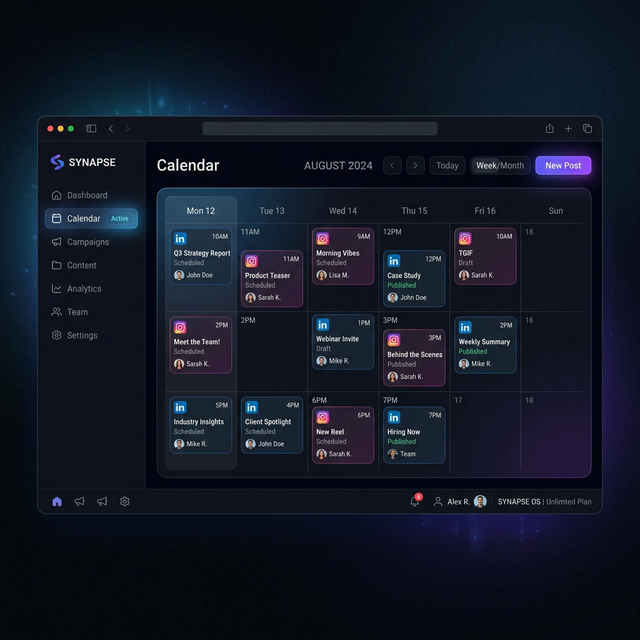
HighStory reads your website and generates your Instagram, LinkedIn and Facebook posts with visuals, captions and a calendar. You approve, it publishes.