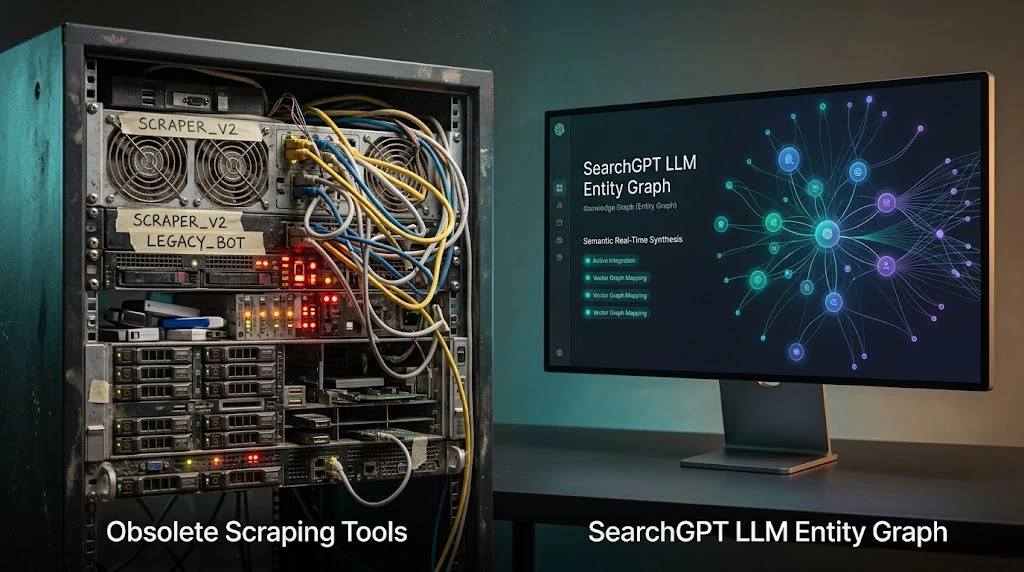
The Fundamental Problem with Today's Social Media Tools
If you are managing social media in 2026, you already know the pain. You use an AI tool to write the copy, Canva or Midjourney to create the image, and a scheduling tool like Buffer or Hootsuite to publish it. You are still doing the heavy lifting.
The problem isn't that AI isn't smart enough; the problem is the friction between your tools. Jumping between five different tabs for a single LinkedIn post destroys your productivity. You are not automating your social media; you are just micromanaging different softwares.
What Changes with Claude + High Story MCP
This is where MCP (Model Context Protocol) changes everything. MCP is an open standard developed by Anthropic that allows Claude Desktop to connect directly to external tools and take action in the real world.
By installing the High Story MCP server, you are giving Claude hands. It stops being a simple chatbot that gives you text to copy-paste, and becomes a fully autonomous Social Media Manager. You type a prompt, and Claude writes the copy, triggers High Story's image generation engine, formats the post, and puts it in your publishing queue.
What You Can Ask Claude (Real Examples)
Instead of asking AI to "write a post," you can now give it operational commands:
Launch a full campaign: "Claude, launch a High Story campaign for our new SaaS feature. Target founders, create 5 posts, generate minimalist images, and schedule them for next week."* Review pending posts: "Show me my pending posts for tomorrow. Rewrite the weakest one to sound more punchy and regenerate its image with a cyberpunk style."* Repurpose content: "Take this blog post, extract the top 3 quotes, create quote cards via High Story, and draft Twitter threads for each."*
3-Step Setup Guide
You don't need to be a developer to set this up. If you have Claude Desktop installed on your Mac or Windows, just open your terminal and run:
- Install the server: Run `npm install -g highstory-mcp`
- Run the setup: Run `npx highstory-mcp setup` and paste your High Story API token when prompted.
- Restart Claude: Close Claude Desktop completely and reopen it. You will see a plug icon (ð) in the bottom right corner of your chat.
Congratulations, your AI Social Media Manager is hired and ready to work.
Is This the Future of Content Creation?
Yes. The era of copy-pasting from AI to a scheduler is over. In 2026, content creation is about building an Agentic Workflow. You provide the strategy, the brand voice, and the approval. The AI handles the execution end-to-end.
Can Claude manage my social media accounts?
With the High Story MCP integration, yes. Claude connects to your High Story account and can create campaigns, generate images, edit post copy, and publish — all from a natural language prompt in Claude Desktop.
What is an MCP server?
MCP (Model Context Protocol) is an open standard by Anthropic that lets Claude connect to external tools and services. It gives Claude the ability to take real-world actions — like posting to social media — beyond just generating text.
Do I need to know how to code to use High Story MCP?
No. The setup runs with two terminal commands: npm install -g highstory-mcp and npx highstory-mcp setup. The tool auto-detects your Claude Desktop installation and configures everything for you.
Is my data safe?
Yes. The High Story MCP server is a direct bridge between Claude and your Supabase instance. No third-party servers handle your data in transit.
What platforms does High Story publish to?
Check your High Story dashboard for the current list of supported platforms. The MCP integration supports all platforms available in your High Story account.
A month of social media posts, ready to publish, in 2 minutes
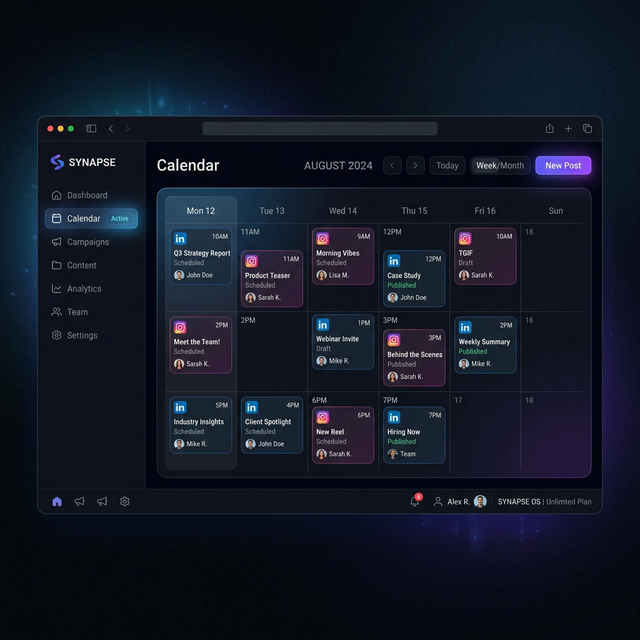
HighStory reads your website and generates your Instagram, LinkedIn and Facebook posts with visuals, captions and a calendar. You approve, it publishes.